
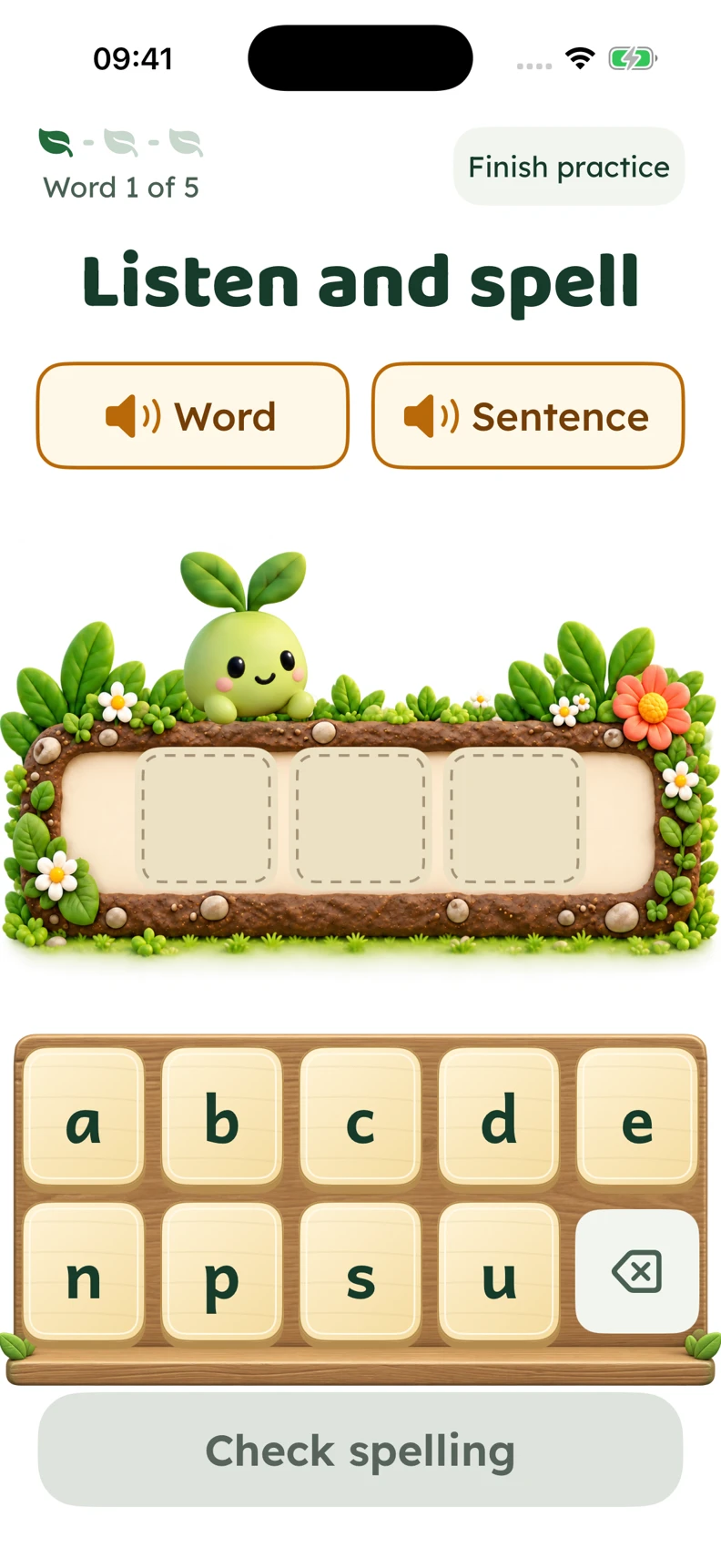
A little help getting started
Hear the word, listen to it in a sentence and build a spelling with the letter tiles.
For parents and guardians
Turn this week’s spellings into a little moment together. Your child gets words to hear, space to try and help to keep going. You get a clearer view of what to practise next.
Practise in your browser, including on Chromebook.
Explore the iPhone app. Public download and pricing details are not yet confirmed here.
How it works for your family
The words that matter to them
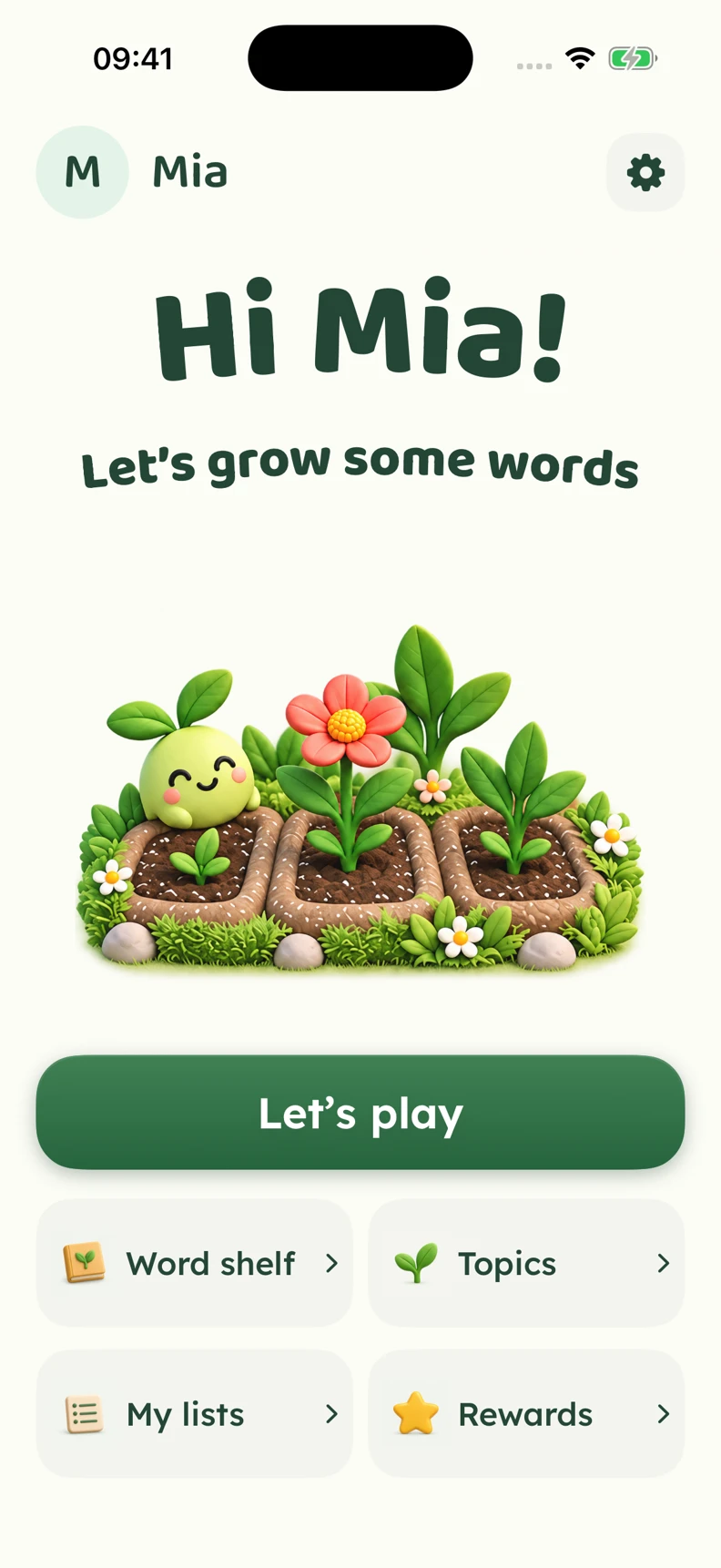
Create a spelling list for the words you want to work on.
Add words from schoolwork, reading or everyday life, then review the list. You can create your own lists without connecting to a school.
Return to their profile and find their lists. Choose the words together, then come back to their progress after practice.
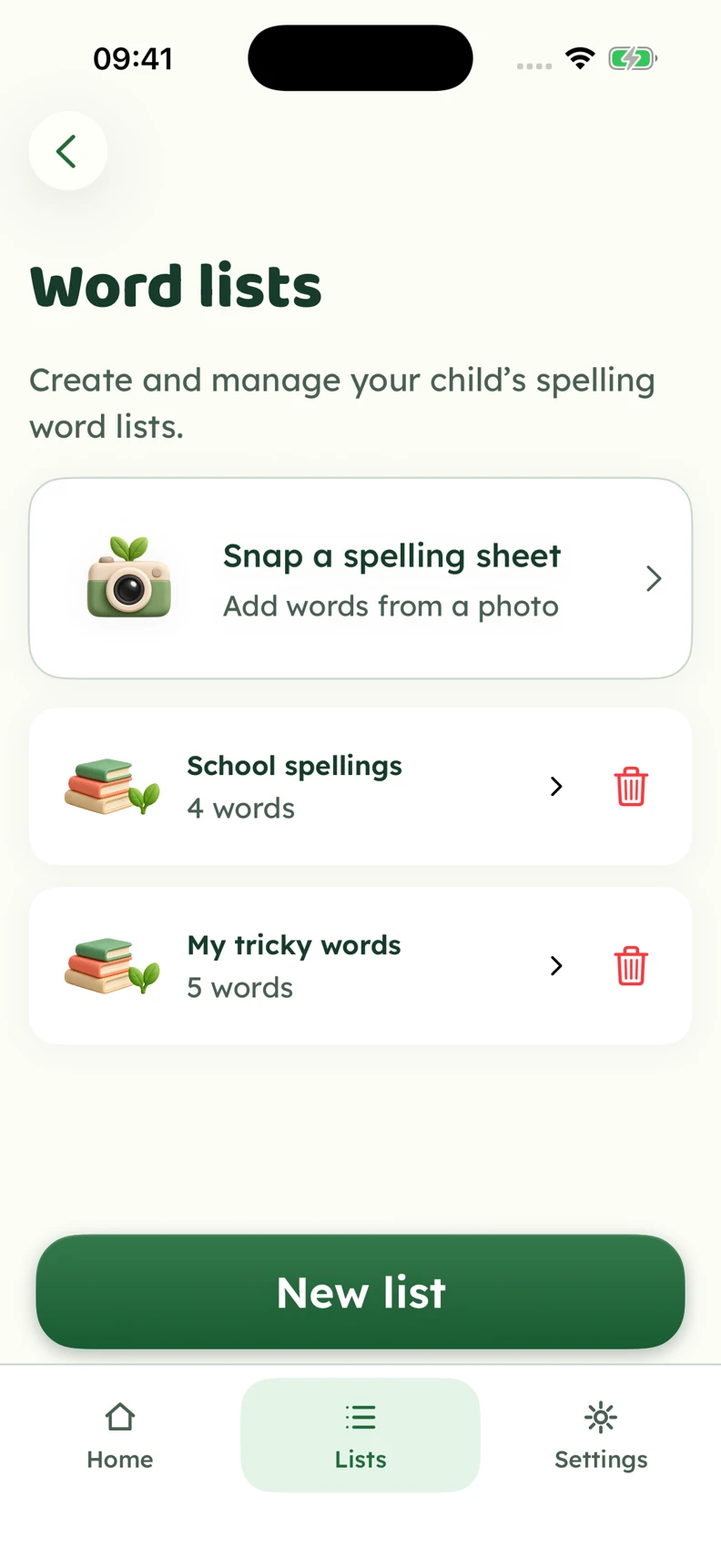
Inside the iPhone app
Actual app screens with fictional profiles. Explore letter tiles, keyboard practice and guided help for tricky words.
Hear the word, listen to it in a sentence and build a spelling with the letter tiles.
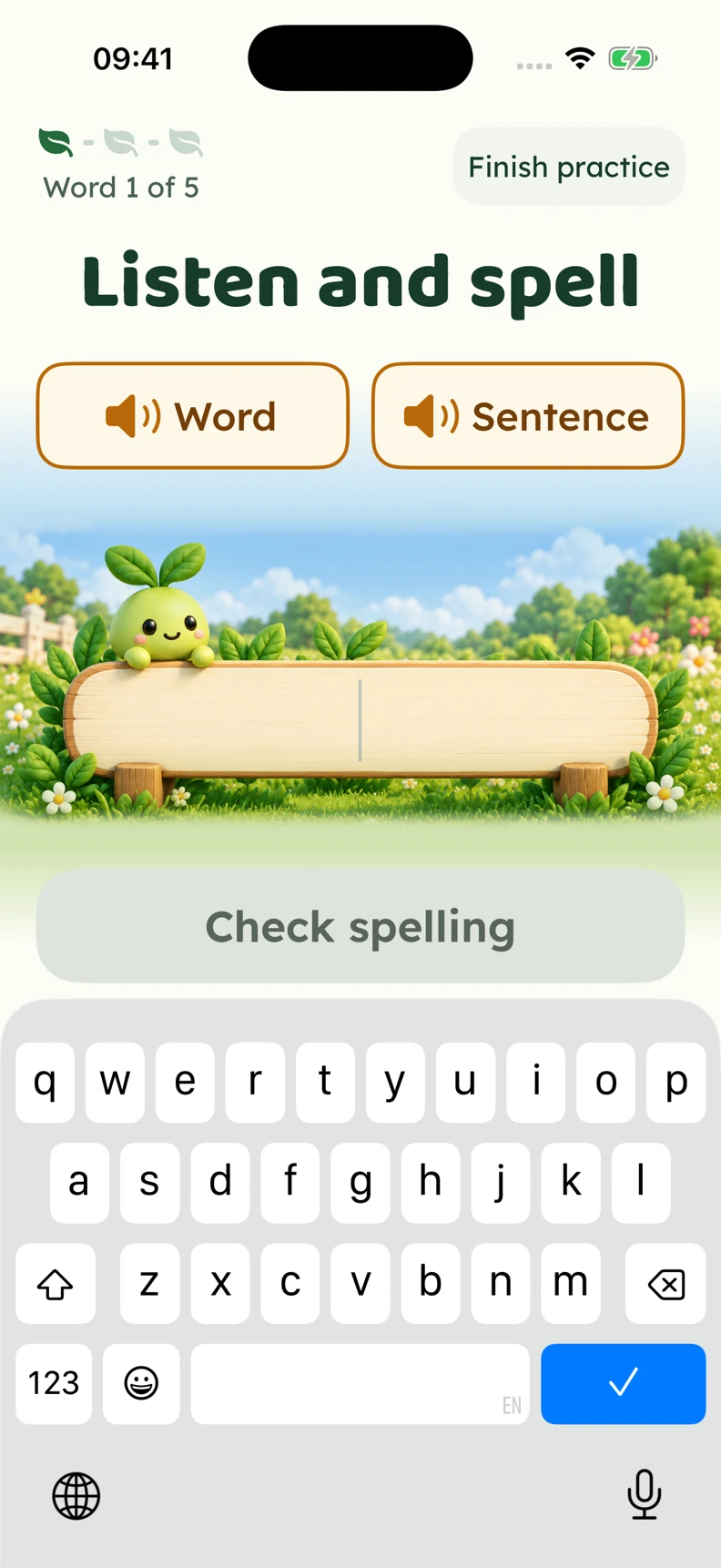
Longer words use the familiar keyboard and a roomy answer field. Word and sentence audio stay close at hand.
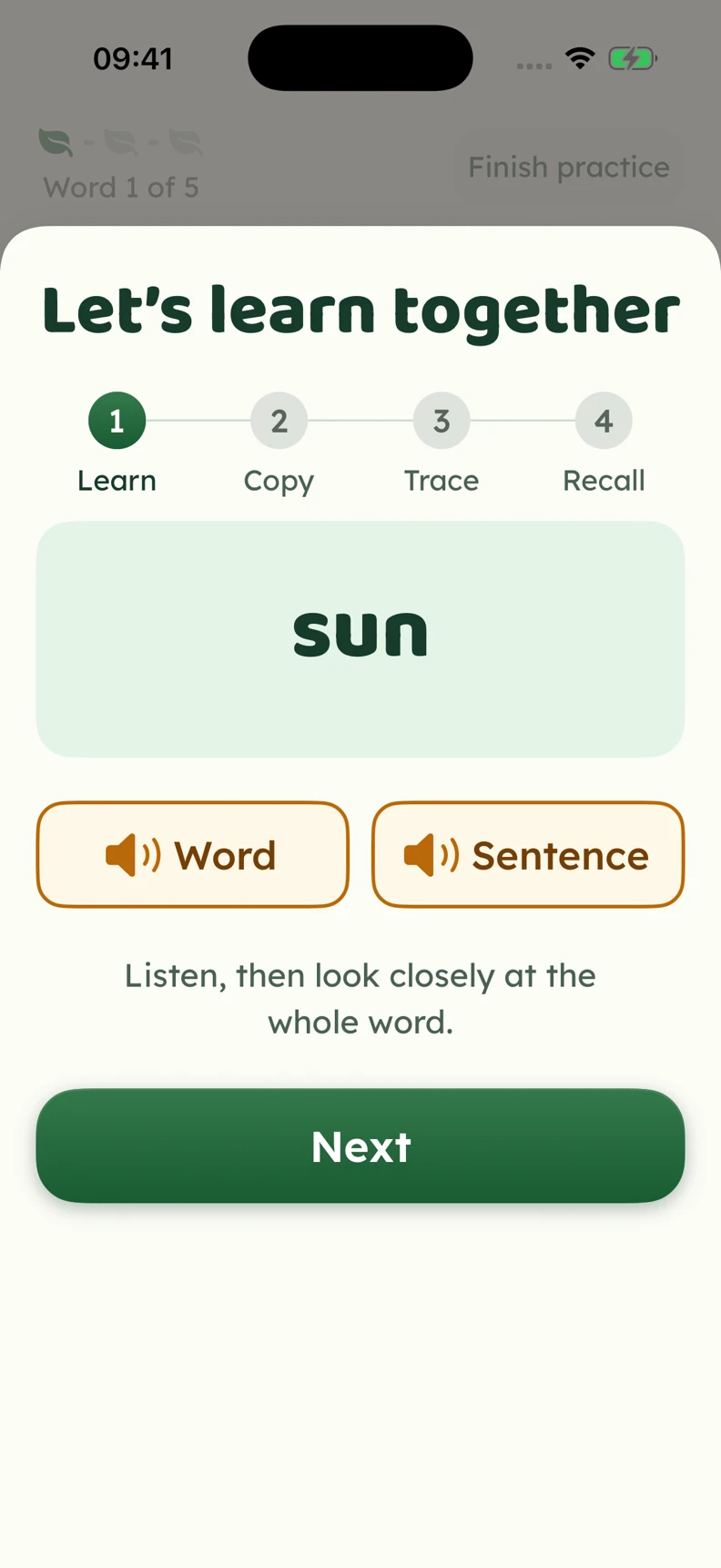
See the word and listen again. Guided copying, tracing and recall give your child a way to work through the spelling.
Practice includes an option to finish. Use it when your child has had enough, and return another time. The garden gives them a familiar place to come back to.
After practice
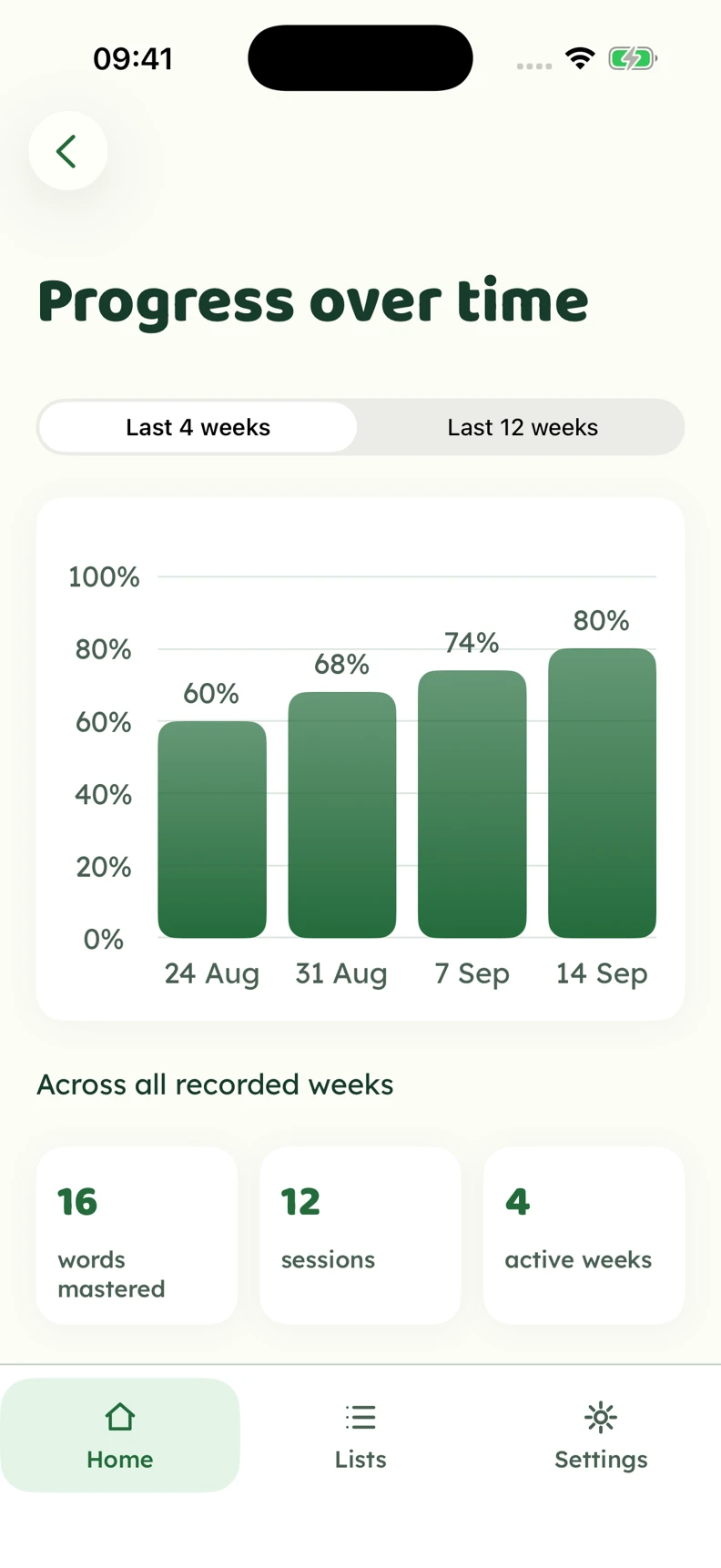
The parent view brings recorded practice and accuracy together. Use it to talk about which words felt comfortable and which need another try.
Spot the words to revisit and celebrate the work they have put in. The example figures shown use fictional data; use practice information alongside schoolwork.
Before you choose